


















































Google Maps has a hidden view that makes navigation so much easier
Google Maps has a hidden view that makes navigation so much easier


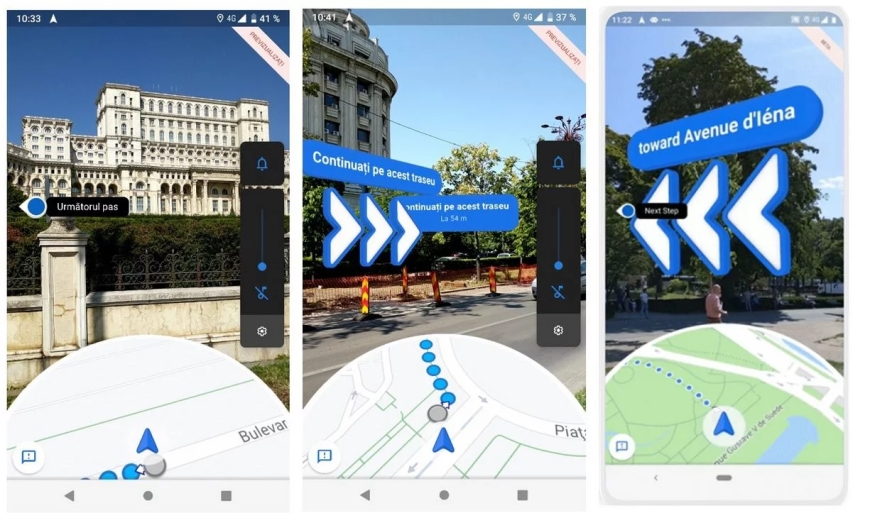
We've all stood on a crowded street corner, maybe just stepping out of a subway station, phone in hand, trying to figure out which direction to walk. The map shows a blue dot, of course, but the dot doesn't always feel as helpful as it should.
As someone who loves exploring new cities and wandering unfamiliar neighborhoods on foot, that disorientation is something I'd rather avoid. It's actually what led me to discover one of Google Maps' underrated features. If you've ever struggled to translate a flat 2D map into the real world around you, Live View might be exactly what you've been missing.
Walking with Google Maps' Live View
AR directions that place arrows directly onto the street
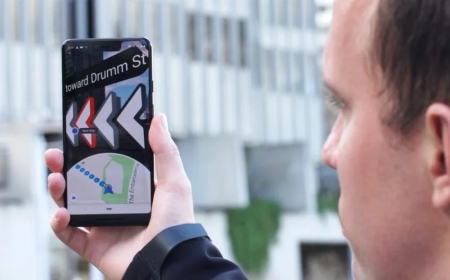
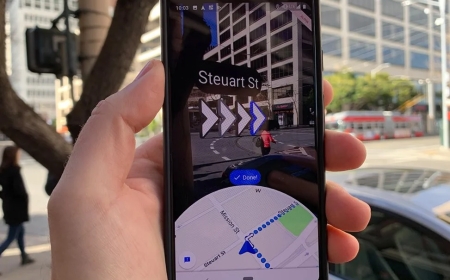
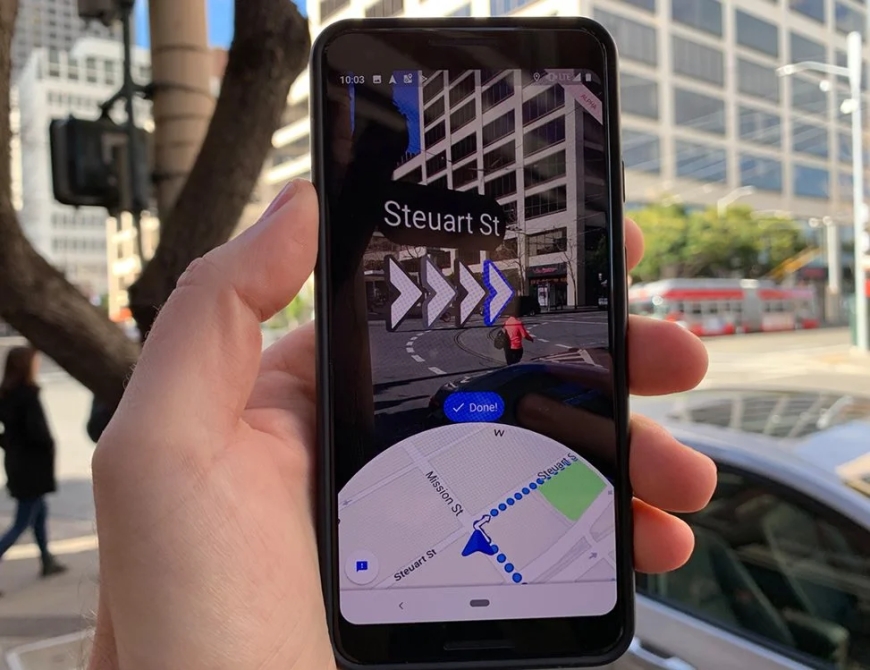
Google Maps' Live View is an augmented reality (AR) feature that overlays directions directly onto your phone's camera feed. Instead of interpreting an abstract line on a flat map, you hold up your phone and see floating arrows, distance markers, and turn indicators appearing right on the streets in front of you. It feels a lot like having someone point ahead and say, “Go that way,” which makes navigating unfamiliar areas far less confusing.
The feature works by pairing your camera feed with a small map at the bottom of the screen. As you scan your surroundings, Google Maps identifies nearby buildings and landmarks using a machine-learning system called global localization. This helps Live View understand where you are horizontally and how high or low you are relative to the environment, which is useful in cities with steep hills or winding, multi-level walkways.
To activate this feature, open Google Maps, search for a destination, tap Directions, switch to walking mode, and select Live View. Maps will prompt you to point your camera at recognizable buildings and structures so it can pinpoint your location. Focusing on people or trees won't help you here. Once Maps knows exactly where you are, the large directional arrows appear on the ground around you, guiding you turn by turn. You'll even see nearby landmarks (like the Pantheon or other major attractions) with floating indicators showing how far away they are.
Live View works best outdoors in well-lit areas and relies on strong Street View coverage. At any point, you can tilt your phone back to a horizontal angle to return to the regular 2D map, then raise it vertically again to jump back into AR mode. Your phone will need to support ARKit (on iPhones) or ARCore (on Android devices), but most modern smartphones from Google, Samsung, OnePlus, and other major manufacturers have this covered.
What's Your Reaction?
 Like
0
Like
0
 Dislike
0
Dislike
0
 Love
0
Love
0
 Funny
0
Funny
0
 Angry
0
Angry
0
 Sad
0
Sad
0
 Wow
0
Wow
0