














































How to use the Google Maps Live view
How to use the Google Maps Live view

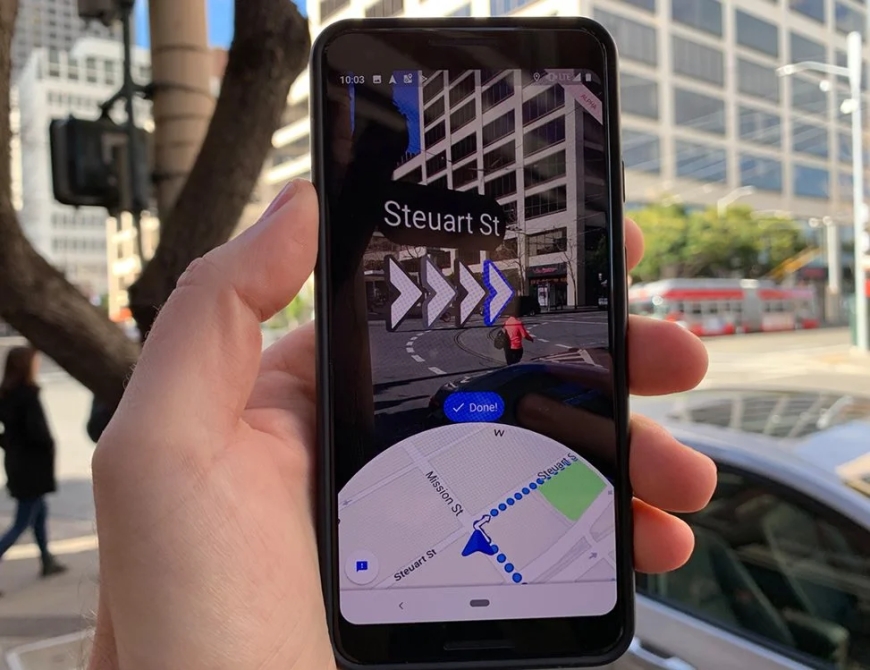
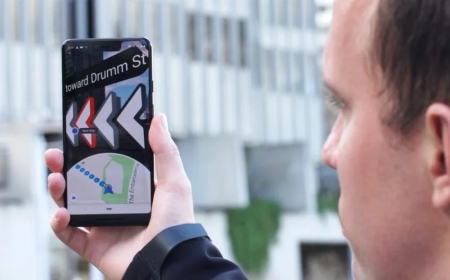
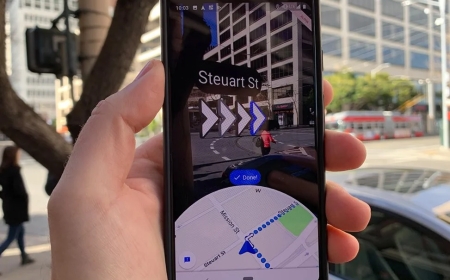
Google maps have been a precious tool for a lot of people. Cab drivers, tourists, people who lost their path, directions on google maps got it all right. Directions appeared on maps for the first time. As it got found out, maps can do more than just provide grid locations. While Google has been using Augmented Reality to provide directions to users. Exactly how it appears when you play racing games like Need for Speed. Till now, most iOS and Android Devices Receive Google Maps Live View on the spot. The directions appear as arrows, showing you where to go next.
How Google Maps live view work?
The mechanism is simple. The initial in-app directions computed by AR engines to actually pop arrows on to the maps. The arrows show up pointed to the side, on which the path is pinpointed right on the map. Thus users get a better idea of where to go next if they find it hard from the maps.
The only thing they need to do is to just fire up the camera, put up the camera to the streets. The arrows will show up for where to go next, as shown on the maps.
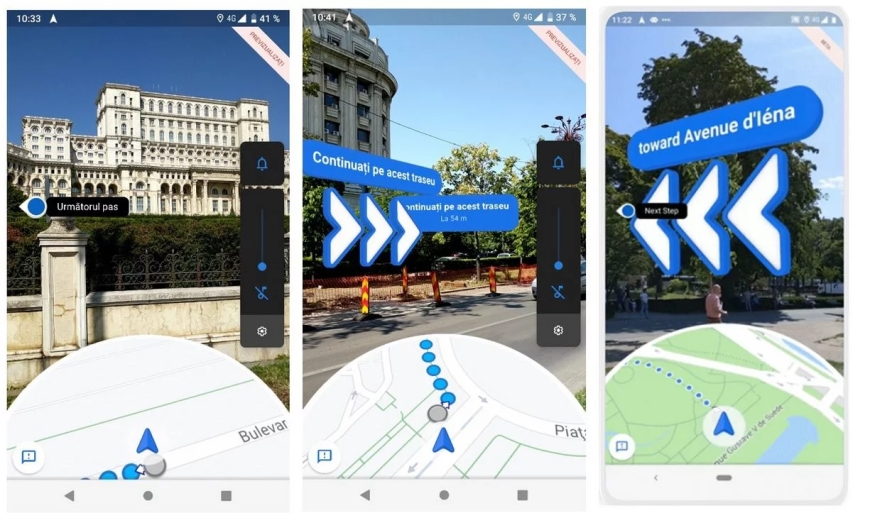
All you need to do is just fire up Google Maps.
- Navigate to the spot or location that you want to go for the time.
- On the bottom, there are the directions buttons. Click on it.
- Then come to the top of the screen and then select the walking directions button present.
- Click on the Live view option below.
- See if you can get the AR designated arrows on to your corners (you will if your phone supports the AR kit or has an AR core).
What's Your Reaction?
 Like
0
Like
0
 Dislike
0
Dislike
0
 Love
0
Love
0
 Funny
0
Funny
0
 Angry
0
Angry
0
 Sad
0
Sad
0
 Wow
0
Wow
0